

Brand Style Guide
Brand Style Guide
How we look is an important part of Walla Walla Community College’s identity. The colors we use and the way we represent our institution through logos and graphics create a visual identity that helps WWCC stay in the minds and hearts of our audiences.
Color Identity
Primary Colors
Color is a critical institutional identifier.
Our main gold is WWCC Gold. This vibrant color helps WWCC materials stand out and have strong visual appeal.
HEX: #F1C400
CMYK: 0%C, 20%M, 100%Y, 2%B
HEX: #000000
CMYK: 100%K
HEX: #FFFFFF
CMYK: 0%
Tertiary Color
An accent color palette has been developed to add depth and flexibility to the college’s primary color palette.
These colors have been chosen to complement the colleges colors. They may be used as accent (small graphics) background colors, Headlines etc to add some variation to your designs.
HEX: #0084af
HEX: #d12628
HEX: #f47720
Official College Logos
The Walla Walla Community College Logo is a powerful symbol of our school.
The college’s logos and graphics are registered trademarks and should not be altered. We do not permit the development or use of alternate logos.
To save a logo, click the logo, right-click the image in the new window, select “Save image as,” and choose your desired folder location.





 |
 |
 |
 |
||
|
|
|
 |
 |
|
|
|
 |
|
 |
|
 |
 |
 |
 |
Logo Clear Space Requirements
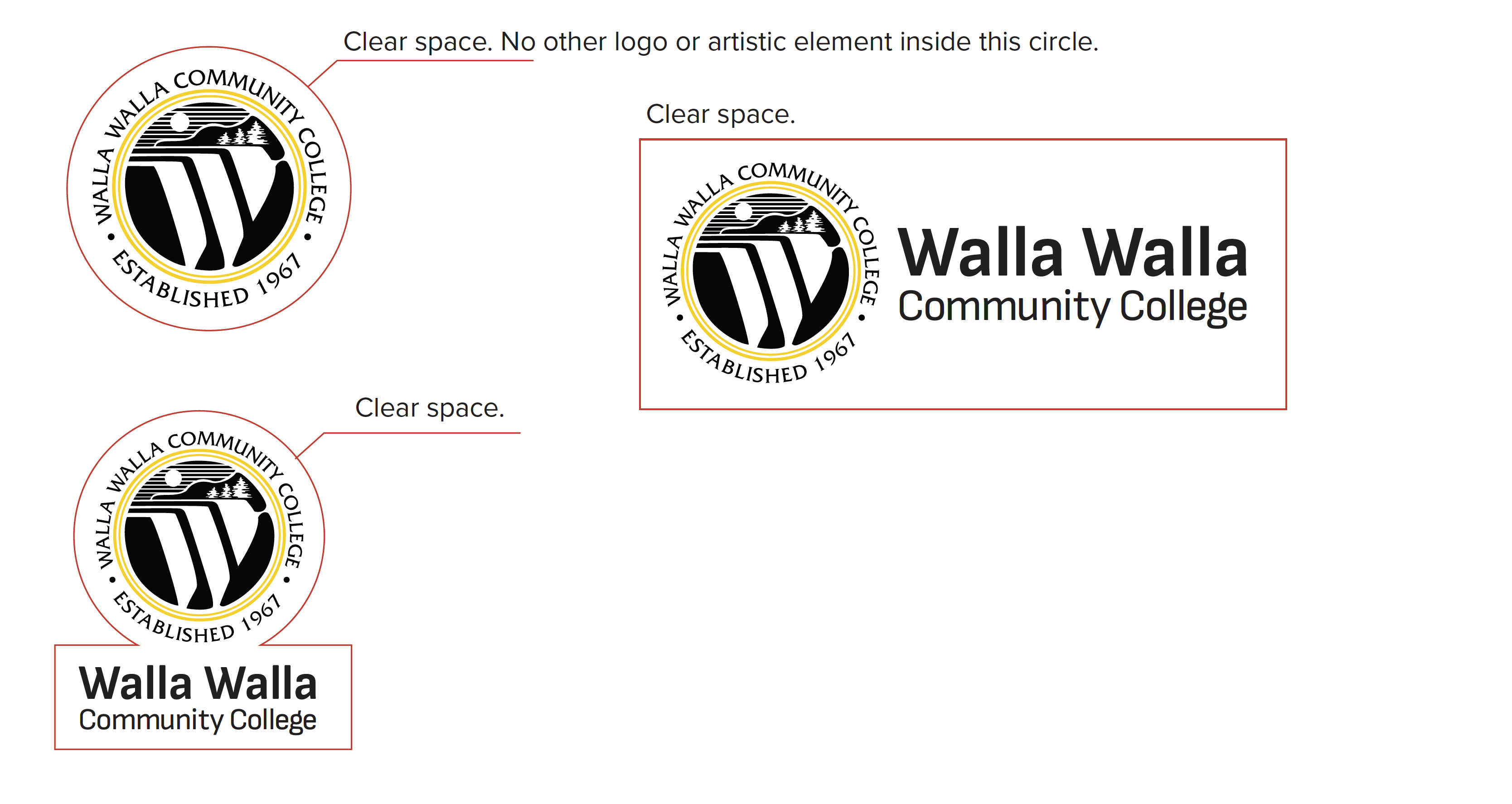
Always separate the WWCC logo from other accompanying text and graphic elements by a minimum specified distance of clear space.
Clear space. No other logo or artistic element inside this circle.
Logo Usage
Logo Usage
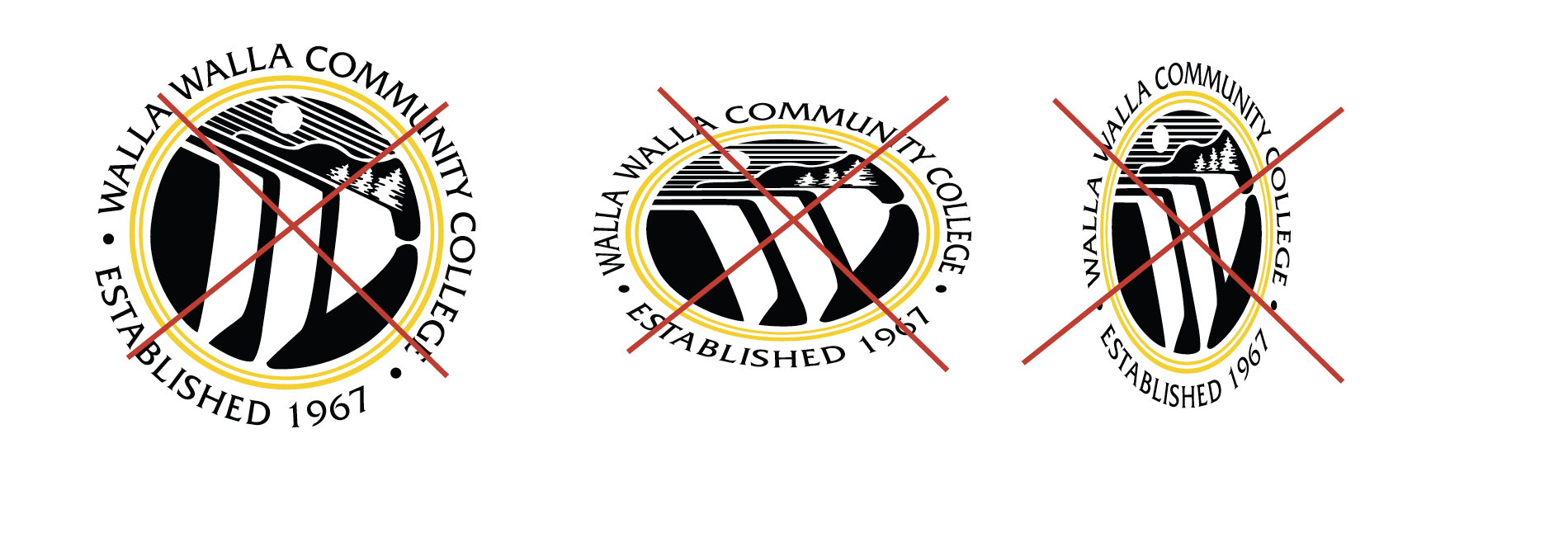
Altering the logo can cause misunderstanding and confusion about the brand. Altering or obscuring the logo in any way is not permitted.
Do not move or remove logo elements. (Below are examples of what not to do).

Do not show the logo in colors other than the official logo colors specified in this guide.

Do not position logo at an angle or change aspect ratio.
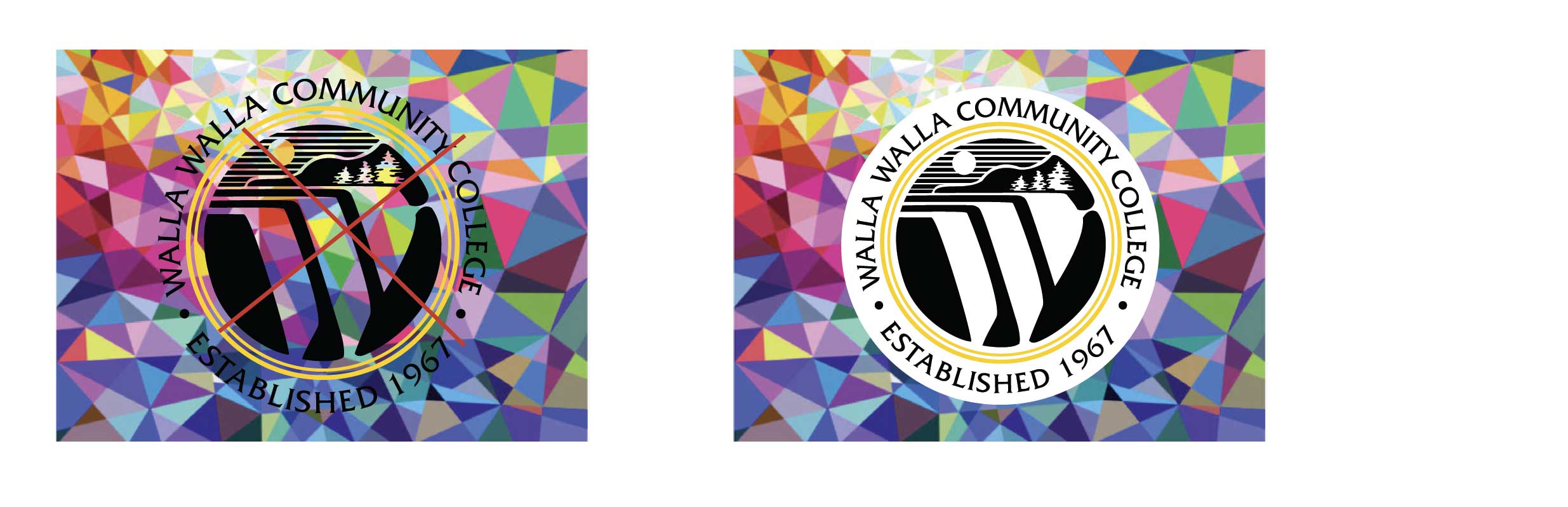
Do not place the logo on a distracting background.
Typography
Primary Typeface
A primary typeface has been chosen to nurture design cleanliness and consistency across all communications. Our primary typeface is which will be used for most documents and advertising. Use this font in body copy.
Montserrat Family
Secondary Typeface
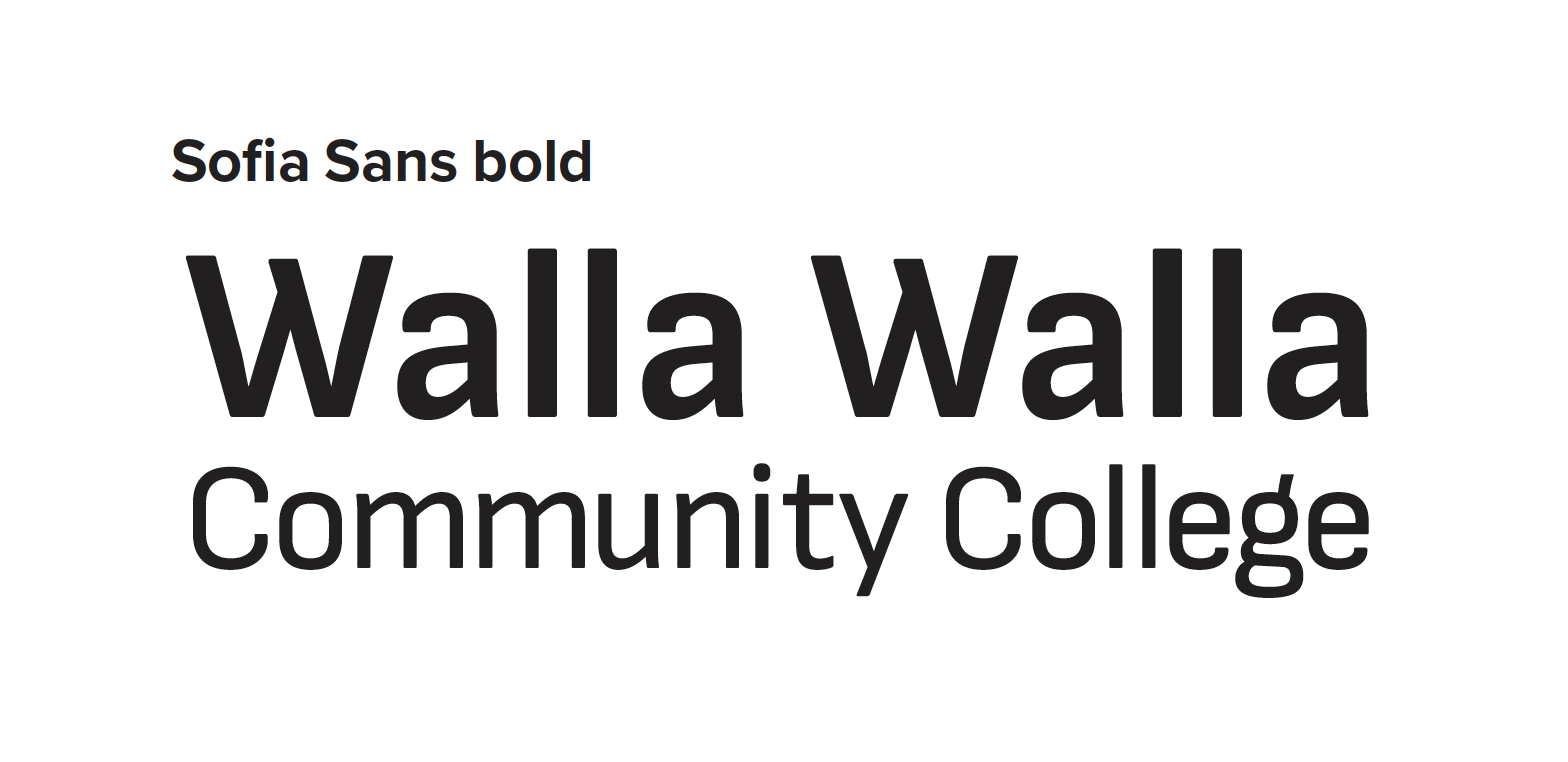
A secondary typeface establishes hierarchy to headlines. Our secondary typeface is
Sofia Sans Family
Use in Displays and headlines on posters and other collateral from the college.
When designing with these fonts think clean and simple as a design guide. Try to avoid clutter and use size of font etc for visual hierarchy.
Photography
Photography and videography are major ways that we visually tell the story at Walla Walla Community College. Submit a photography/videography request form.
Ordering Promo Products
Promotional items market your college, department, program or event in a great way. As you work with vendors, you must be within WWCC brand guidelines.
How to Use the Brand on Products
Do
- Follow WWCC ‘s visual style guidelines for logo usage, colors, typography and other design elements.
- Ask the approved vendor for product samples prior to submitting a full order.
Don’t
- Alter any of the college’s trademarks, including logos and graphic elements.
- Use the college’s brand on any products that may be harmful to the image or mission of the university.
Canva
For any materials that will be used exclusively for audiences within the college, departments may use Canva. Anyone whose job responsibilities include creating these materials will have a Canva account. If you have questions, please contact Marketing to obtain one.
Materials you create with Canva may go on your approved social media accounts and can be distributed on campus. Any materials whose audience is not students or employees of the college such as: prospective students, alumni, community members, etc. must be created and approved by Graphics.